
Soap Calculator — Make Soap Making Easy
Create your custom soap recipe with real-time lye and water calculations.
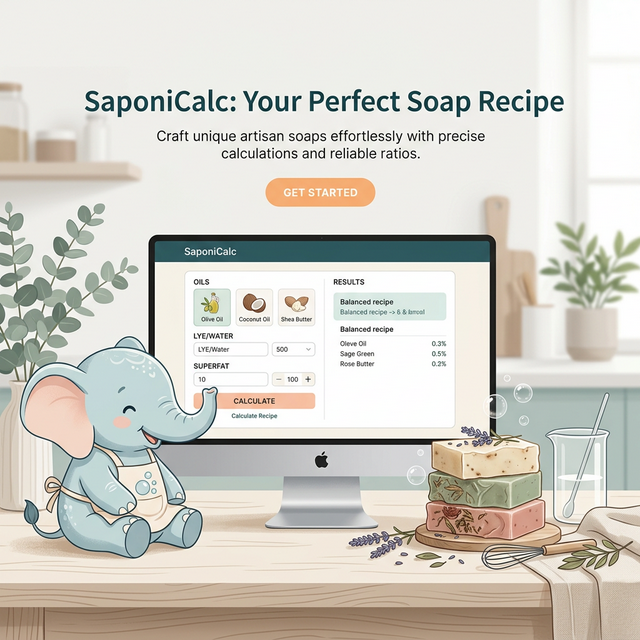
Start a new batch
Recipe inputs look balanced. Review the result panel next.
Add oils and a batch size to start automatic local saves.
Start from a quick template or build your own blend from the oil list.
500 g ready
Pick oils or use a starter template.
Oil blend is balanced at 100%
Finish setup to unlock the result panel
Recent Recipes
Saved locally on this device. The latest version of each recipe updates automatically.
No saved recipes yet. Start a recipe and it will appear here automatically.
Recipe Builder
Beginner flow: set basics, add oils to 100%, then review results.
Recipe Basics
Start with batch size, soap type, and a clear labelUsed for exports and printouts.
NaOH for bar soap, KOH for liquid soap.
Combined weight of all oils.
Oils & Fats
0 oils0% assignedAdd oils until the blend reaches 100%, then review the results panel.
Oil percentages must total 100% before making.
Showing top 15 most common oils. Disable beginner mode to see all 31 oils.
Simple 4-Step Workflow
- Set lye type, unit, and total oil weight.
- Keep Beginner Mode defaults (or switch to Expert Mode).
- Add oils until total percentage reaches exactly 100%.
- Review lye/water totals and export your recipe.
Soap Calculator FAQ
Practical answers for common recipe setup questions.
What does this soap calculator compute?
It calculates lye amount, water amount, total batch weight, and recipe quality indicators from your selected oils and settings.
Can beginners use this safely?
Yes. Beginner Mode locks safe defaults (5% superfat and standard water settings) and highlights common input mistakes with one-click fixes.
Does it support liquid soap and hybrid lye?
Yes. You can switch between NaOH, KOH, and Hybrid modes in recipe settings.
How do I size a recipe for my mold?
Open Mold Calculator, enter mold dimensions or water-fill weight, then apply the calculated oil weight back to the main calculator.